
Collection grader
Check whether a collection deserves more search visibility.
Score a Shopify collection for intent, products, filters, links, copy, evidence and crawl risk.
Start with the visible evidence. The result is a practical next step, not an abstract score.
Why collections need a different kind of check
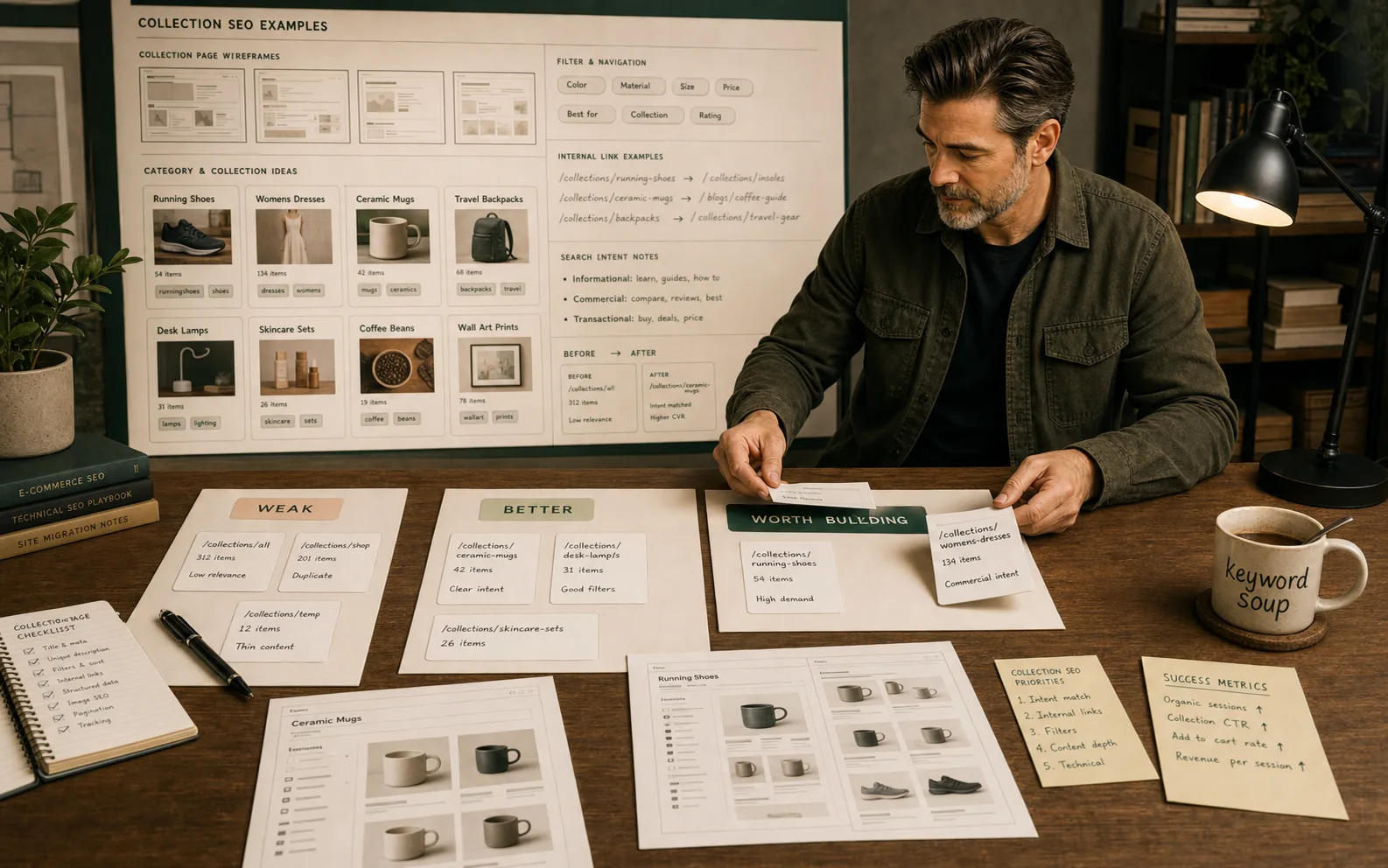
Collection pages are the commercial backbone of a Shopify store's SEO. They earn category-level search terms — the phrases shoppers use when they know what type of product they want but have not decided which one. These are often higher-volume and higher-converting terms than brand or product-specific searches, which makes collection page quality one of the highest-leverage SEO improvements a Shopify store can make.
The grader focuses on seven criteria because collection pages fail in seven distinct ways. A collection can have strong copy but weak product evidence. It can have the right products but broken internal links. It can rank for the right term but send shoppers to a page where filters create hundreds of indexable near-duplicate URLs. Each failure mode needs a different fix, so the grade is designed to identify which one applies rather than giving an abstract score.
This check is most valuable when a collection is already ranking — appearing in Search Console — but is not generating the expected clicks or conversion. In that situation, one of these seven criteria is usually the blocker.
What each grading criterion checks
H1, title and product set match the same category. The most common collection page mismatch: the page title and H1 say one thing — for example "Handmade Ceramic Mugs" — but the product set contains a mix of ceramics, glass and metal. Google reads the product titles on the page, not just the collection title. If the product set is inconsistent, the page sends a mixed intent signal.
First copy helps shoppers choose without burying products. Shopify collection pages typically place copy below the product grid or above it. Copy that appears before the product grid should be short — two to four sentences at most — and should help a shopper confirm they are in the right place. Long introductory copy that pushes products below the fold consistently underperforms pages that put products first.
The collection has enough relevant products. A collection with two or three products is not a category page — it is a landing page for a specific product. Google treats page content as a signal of topical depth. Collections with very few products often do not rank for competitive category terms even with strong copy and metadata.
Filters help shoppers without creating weak indexable URLs. Shopify filter URLs — typically in the format /collections/name?filter.p.tag=value — create hundreds of near-duplicate pages when left crawlable. The canonical on filtered pages should point to the base collection, or filters should be blocked via the theme's URL parameter handling. This is one of the most common Shopify crawl problems for stores with large catalogues.
Internal links support the collection from related content. A collection that is linked to from related guides, blog posts and the store's hub pages receives more consistent crawl attention and builds stronger topical authority. Collections that exist in isolation — reachable only from the navigation menu — compete harder for visibility than collections with strong internal link support.
Canonical and indexation state are deliberate. Check: is the collection indexable and canonical to itself? Is the paginated version (/page/2) handled correctly? Are any filtered or sorted variants inadvertently indexed? These are quick checks in a crawl tool or the browser's page source.
Product evidence supports the collection promise. A collection titled "Professional Coffee Equipment" needs products with detailed specifications, reviews and variant clarity. If the individual product pages lack evidence, the collection suffers — shoppers do not click through, or they bounce immediately after landing.
How to use the result
Treat the output as a triage note for a specific collection. Run the grader on your highest-traffic or highest-commercial-intent collections first. A collection that already ranks but does not convert is usually blocked by one of the criteria above — identify which one and fix it before adding new content or apps.
Do not paste private customer data, full order exports or anything sensitive into browser tools. Keep the check focused on public collection URLs and visible page quality.