Traffic is not enough
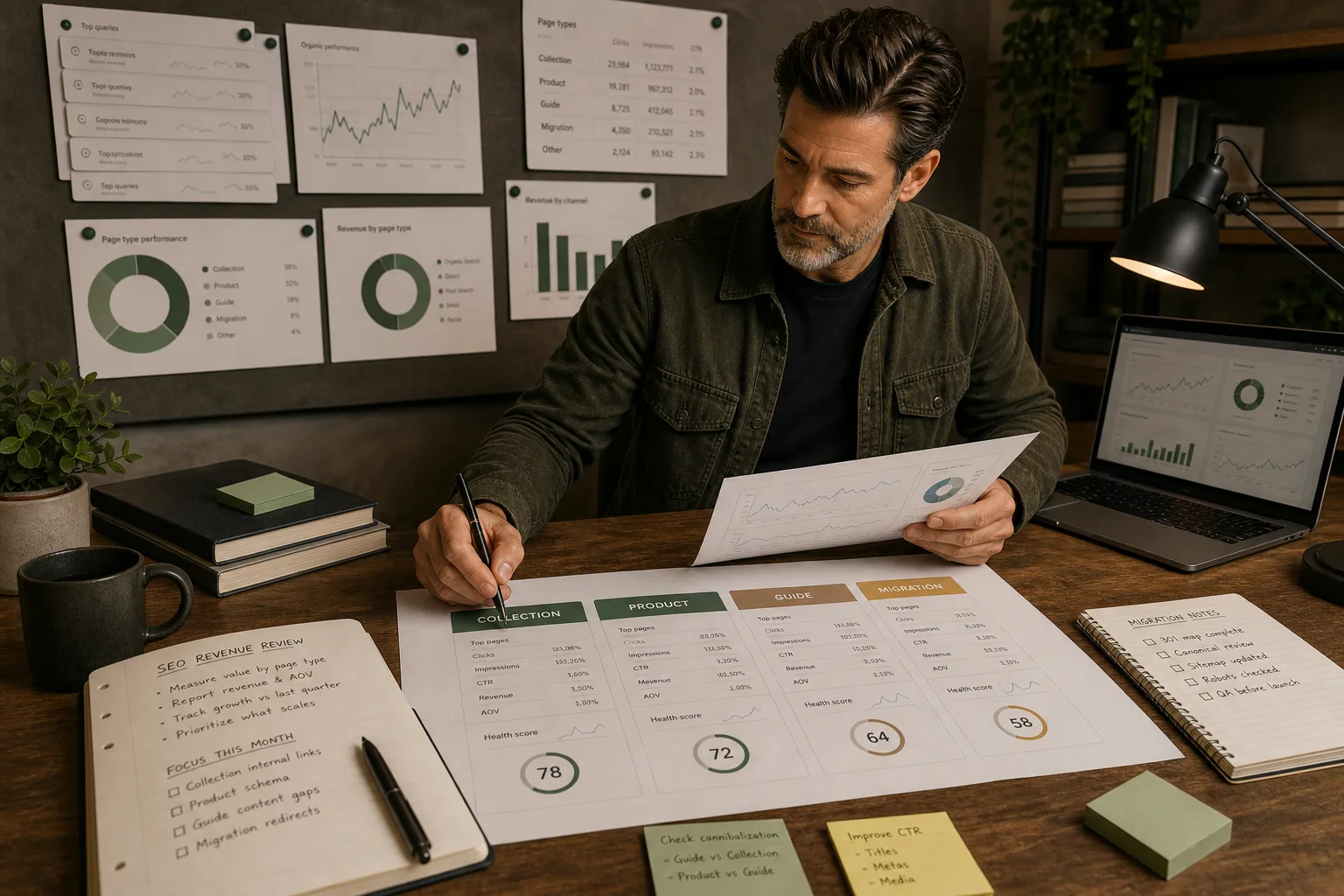
Shopify SEO should be measured by the role each page type plays: collections, products, guides, migration pages and support resources do different jobs.
Page type reporting creates better decisions
When reporting separates page types, the team can see whether the problem is collection intent, product evidence, content support, tracking or conversion.
| | Collection | Capture category demand and guide shoppers | Impressions, clicks, revenue, product engagement | | Product | Prove and sell a specific item | Clicks, conversion, revenue, variant behaviour | | Guide | Explain a decision and support commercial pages | Clicks, engaged sessions, internal clicks | | Migration page | Preserve or recover search equity | old URL coverage, landing-page recovery, clicks | | Resource/tool | Capture demand or assist conversion | downloads, form starts, next-step clicks |
Do not judge every page by direct revenue.
Judge each page by the job it is meant to do.
Collections need commercial reporting
Collections are usually the most important SEO revenue layer in Shopify.
Track:
- non-brand impressions;
- collection clicks;
- CTR by collection;
- revenue by organic landing page;
- product-grid engagement;
- internal clicks from guides;
- query themes;
- child collection performance.
If collection impressions are rising but clicks are weak, title, intent match or SERP competition may be the issue.
If clicks are rising but revenue is weak, the collection may not prove the range, guide shoppers well or show strong products early enough.
If guides are getting traffic but collections are not, internal linking may be weak.
Products need evidence reporting
Product-page SEO should not be measured only by organic landings.
Product pages can support SEO in several ways:
- exact product queries;
- model, SKU or compatibility searches;
- internal-link support for collections;
- conversion after collection entry;
- review and evidence signals;
- image search and visual discovery.
Track product pages that support priority collections first.
If a collection is important, the products inside it should be clear, available and convincing.
Weak product evidence can suppress both product conversion and collection trust.
Guides need assisted value
Guides and blog posts often look weak if judged only by last-click revenue.
That does not mean they are useless.
Useful guides can:
- attract early-stage searches;
- explain complex buying decisions;
- support internal links into collections;
- reduce support friction;
- build topical authority;
- help AI and search systems understand the store.
The key is whether guides move visitors somewhere useful.
Track:
- guide clicks;
- scroll and engagement;
- internal clicks to collections;
- resource downloads;
- newsletter or Field Notes signups;
- assisted journeys where available.
If a guide gets traffic but has no next step, it is not finished.
Migration reporting needs old URL context
Post-migration SEO reporting can be misleading if it only compares current traffic.
You need to know what happened to old URLs.
Track:
- old high-value URLs;
- redirect destinations;
- old versus new landing pages;
- Search Console clicks by old query cluster;
- collection replacements;
- product replacements;
- tracking changes.
If Shopify revenue is stable but GA4 sessions drop, check measurement before assuming SEO loss.
If old URLs return 404, fix redirects before rewriting pages.
Migration reporting should isolate cause, not create panic.
Use Search Console and analytics together
Search Console shows search visibility and clicks.
Analytics shows what visitors did after arrival.
Shopify shows orders and revenue.
None of these is complete on its own.
Use them together:
- Search Console for impressions, clicks and queries;
- GA4 for sessions, engagement and events;
- Shopify analytics for order and revenue cross-checks;
- crawl data for indexation and internal-link context.
If the systems disagree, investigate before making SEO changes.
Bad measurement creates bad priorities.
Build a simple page-type dashboard
A useful dashboard does not need to be complicated.
Start with:
- Organic clicks by page type.
- Organic revenue by page type.
- Collection impressions and CTR.
- Product conversion from organic landings.
- Guide-to-collection clicks.
- Top gaining and losing URLs.
- Indexation issues by page type.
- Recent changes and annotations.
The dashboard should answer:
which page type needs work next?
If it only reports activity, it is not helping enough.
What good reporting produces
Good Shopify SEO reporting produces:
- clearer priorities;
- better distinction between traffic and revenue problems;
- stronger collection decisions;
- better product evidence work;
- more useful content planning;
- faster migration diagnosis;
- fewer tool-led distractions.
The goal is not a prettier report.
The goal is better Shopify decisions.
Quick answer
Shopify SEO becomes operational when the constraint is clear, the right page type is fixed, the output is tested and the commercial impact is reported.
What you will do
- Prioritise technical SEO work by page type and business value.
- Fix crawl, indexation, metadata, template, image and internal-link problems in the right order.
- Decide when a tool is needed and when native Shopify controls are enough.
What to check first
- Shopify admin for search listings, redirects, products, collections and theme settings.
- Google Search Console for indexing, queries and landing-page movement.
- GA4 or Shopify reports for commercial impact.
- Research tools for keyword, competitor and audit processes.
- TinyIMG where image handling is the repeated constraint.
Work through it in this order
- Choose the page type being fixed: collection, product, blog, page, filter, vendor or migration URL.
- Check crawlability, indexability, canonical, title, H1, internal links, schema and page speed.
- Compare Search Console queries with the page intent.
- Fix the template or content pattern before editing dozens of individual pages.
- Retest the page in a crawler, browser, structured data validator and Search Console where relevant.
- Record the change date, owner, expected impact and next review date.
Real-world notes
- Most Shopify SEO gains come from page architecture and template fixes, not from installing another SEO app.
- Collection pages usually carry the commercial opportunity; product pages usually supply evidence and conversion detail.
- A technical fix that is not tied to a page type and a commercial priority becomes backlog noise.
Final checks
- Page type selected.
- Primary query intent confirmed.
- Canonical and indexability checked.
- Title, H1 and meta reviewed.
- Internal links updated.
- Schema output checked.
- Image weight reviewed.
- Change logged for reporting.
Watch-outs
- Do not index every filter combination. Create clean collections for valuable facets instead.
- Do not change handles on ranking pages unless the redirect and internal-link update are ready.
- Do not trust app-generated schema until you inspect the final page output.
Use the Shopify SEO Audit Checklist, then move into the roadmap, URL structure or collection guide for the page type in front of you.
Field questions
Should Shopify SEO be measured by traffic or revenue?
Both matter, but traffic alone is not enough. Measure clicks, impressions, revenue, assisted clicks and conversion behaviour by page type.
Which Shopify pages should drive organic revenue?
Collections and products usually carry the clearest revenue role. Guides, blog posts and tools often support discovery, internal links and assisted decisions.
Why measure SEO by page type?
Page-type reporting shows whether the store needs better collections, stronger product evidence, improved internal links, tracking fixes or content support.
How should collection SEO performance be measured?
Track impressions, clicks, CTR, revenue, product engagement, query themes and internal clicks from supporting guides.
How should product-page SEO performance be measured?
Track organic landings, exact product queries, conversion, revenue, variant behaviour, image visibility and support for priority collections.
How do guides and blog posts prove SEO value?
Measure engagement, internal clicks to commercial pages, resource downloads, signups and assisted journeys, not only last-click revenue.
What if Search Console and GA4 disagree?
Investigate measurement before changing pages. Search Console, GA4 and Shopify analytics measure different parts of the journey.
What should a Shopify SEO dashboard answer?
It should answer which page type needs work next: collections, products, guides, migration URLs, tracking or internal links.