
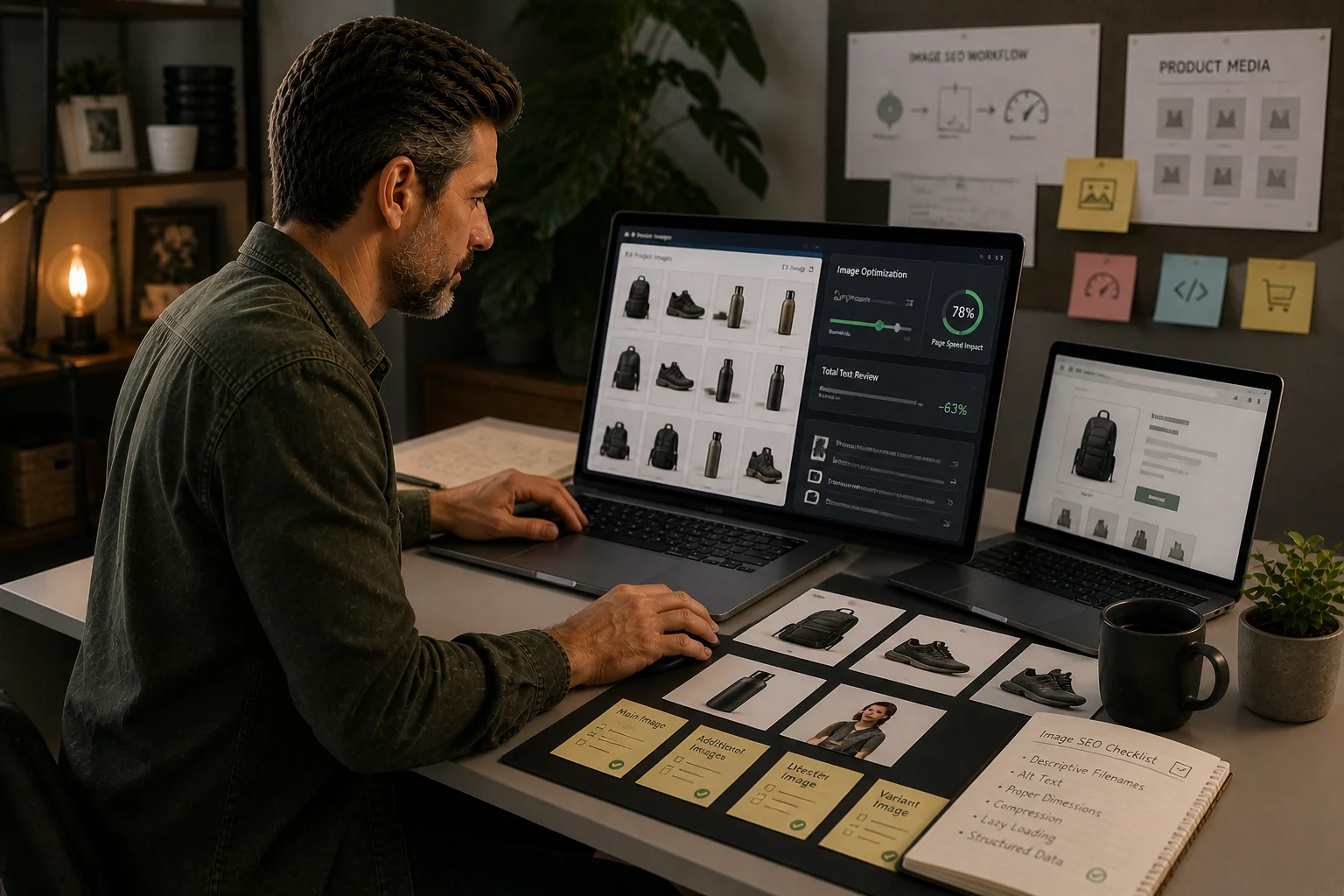
Who TinyIMG is for
TinyIMG is most relevant for Shopify stores with many product images, inconsistent media handling or a need to improve image SEO and performance without heavy development work.
Who should avoid it
Stores with already-optimised media pipelines or very small catalogues should test whether native process improvements are enough before adding another app.
Testing requirement
Treat this as a desk-researched recommendation until the app has been installed on a development store and checked against speed, metadata and operating criteria.
TinyIMG review: the short verdict
TinyIMG is most useful when a Shopify store has an image-management problem, not just an SEO problem.
That distinction matters. A store with ten carefully prepared products probably does not need another image app. A store with hundreds or thousands of product images, inconsistent filenames, missing alt text, repeated uploads, slow templates, and no image QA process may be different.
The right question is not:
Is TinyIMG a good Shopify SEO app?
The better question is:
Do we have enough repeated image work to justify another app layer?
This review treats TinyIMG as a candidate to test, not a magic fix.
Who TinyIMG is most likely to help
TinyIMG is worth considering when several of these are true:
- the catalogue has a lot of product images
- image filenames and alt text are inconsistent
- product teams upload images without SEO or performance checks
- collection and product pages feel visually heavy
- image tasks are too repetitive to manage manually
- the store has no monthly media QA process
- app bloat has been reviewed and one more app can be justified
That last point is important. If the store already has overlapping SEO apps, image apps, speed apps, page builders and tracking scripts, TinyIMG should not be installed casually. It should be tested against the current stack.
Who should probably avoid it
TinyIMG is probably not the first fix when:
- the store has a small catalogue
- the main issue is collection architecture
- product descriptions are weak
- templates are overloaded with third-party scripts
- internal linking is poor
- migration redirects are broken
- the team has not checked Shopify’s native image and alt text controls
In those cases, TinyIMG may make image management tidier, but it will not fix the reason search performance is weak.
What Shopify already handles natively
Before installing any image SEO app, check what Shopify already gives you.
Shopify supports product media, alt text editing, CDN delivery, responsive image handling through themes, editable SEO fields, redirects, sitemap generation and other native SEO foundations.
That does not mean every Shopify store has good image SEO. It means the first question is whether the store is failing because of missing native discipline or because the work is too large to manage manually.
A common pattern is this:
- Shopify can support the right image process
- the team does not consistently follow it
- the catalogue is too large for manual cleanup
- a controlled app test becomes worth running
What TinyIMG can realistically help with
TinyIMG is best judged as an operational helper.
It may help with:
- image compression checks
- repetitive image cleanup
- metadata and alt text support
- identifying image-related speed opportunities
- making image work easier to repeat
- supporting stores where image volume is the problem
It should not be treated as a complete SEO strategy.
TinyIMG cannot decide which collections deserve to rank, which products support those collections, whether filters should be indexed, or whether a migration redirect map is correct.
The test I would run before recommending it
Do not install TinyIMG across the whole store and hope.
Run a controlled test.
Choose a sample set:
| Page type | Sample size | Why it matters |
|---|---|---|
| Priority collections | 5-10 | These are revenue pages |
| Product pages | 20-50 | These carry image volume |
| Blog/guide pages | 5-10 | These test non-product media |
| Slow pages | 5-10 | These test performance impact |
Before changing anything, record:
- image count
- largest image sizes
- PageSpeed/Core Web Vitals notes
- current alt text quality
- product template behaviour
- visual quality
- apps already affecting page load
- baseline Search Console/GA4 notes for priority pages
Then test:
- compression output
- visual quality after changes
- alt text quality
- reversibility
- theme interaction
- whether the app adds scripts or output you did not expect
- whether the process saves meaningful time
What a pass looks like
TinyIMG is worth keeping only if the test produces a practical improvement.
A good result looks like:
- image work is faster
- no visible quality loss on key product images
- no new technical clutter appears
- alt text work becomes more consistent
- the app does not overlap badly with existing tools
- the team knows how to use it without blindly automating everything
A weak result looks like:
- scores improve slightly but templates remain slow
- alt text becomes generic
- product images look compressed
- the app duplicates existing tools
- nobody owns the process after installation
Common mistake: treating compression as SEO
Compression is useful. It is not the whole job.
A compressed image with weak product evidence is still weak. A fast page with unclear product information is still not a strong search result. A better image process should support better product pages, not replace product work.
Use TinyIMG only inside a wider Shopify SEO system:
- collection pages define demand
- product pages provide evidence
- images support trust and conversion
- tools make repeatable work easier
TinyIMG scorecard
Use this before keeping the app.
| Question | Good sign | Warning sign |
|---|---|---|
| Is image volume genuinely high? | Hundreds/thousands of assets | Small catalogue |
| Is manual cleanup unrealistic? | Team cannot keep up | One-off cleanup is enough |
| Does visual quality hold? | No obvious degradation | Product images look worse |
| Does the process save time? | Repeatable monthly process | One-time novelty |
| Does it overlap with other apps? | Clear unique role | Duplicates speed/SEO apps |
| Is there an owner? | Someone checks output | Fully automated and ignored |
Final recommendation
TinyIMG is a sensible candidate for image-heavy Shopify stores, but only after native Shopify controls and basic product media discipline have been reviewed.
I would not install it as the first Shopify SEO fix.
I would test it when the evidence shows that image volume, process inconsistency or repeated media cleanup is a real operational bottleneck.
If the store has structural SEO problems, fix those first.
Evidence status
Desk-researched pre-test evaluation with staged evidence capture
Checked 2026-05-02 (live evidence capture pending). This block separates public review from hands-on testing so commercial recommendations do not outrun the evidence.
What was checked
- Public TinyIMG positioning, partner material and Shopify image SEO fit.
- Native Shopify image and alt text controls.
- Commercial fit for image-heavy Shopify stores.
- Risk areas to test before recommending the app as hands-on reviewed.
Not yet checked
- Hands-on install on a Shopify development store.
- Before/after PageSpeed or Core Web Vitals impact.
- Theme code, script injection and schema impact.
- Uninstall/reversibility behaviour after app removal.
Who it suits
- Image-heavy Shopify stores with repeated product-media uploads.
- Teams that need repeatable compression, alt text and metadata checks.
- Stores where image QA keeps being missed after new products or collections go live.
Who should avoid it
- The catalogue is small and images are already prepared before upload.
- The real speed issue is theme code, third-party scripts or app bloat.
- The team wants an app to replace product data, collection copy or internal linking work.
Prepare images before upload, use Shopify alt text fields, audit top product and collection templates, and fix theme-level image handling before adding an app.
TinyIMG is worth testing when image management is the recurring constraint. It should not be treated as a proven recommendation until the development-store install, speed, output and reversibility checks are complete.
Quick answer
Tools should be chosen only after the job is clear. A good tool reveals a decision, removes repeat work or reduces migration and SEO risk.
What you will do
- Avoid app bloat.
- Match Shopify-native controls, image handling tools, research tools and WordPress bridge tools to the right job.
- Create a testing standard before recommending or installing tools.
What to check first
- Shopify native controls before apps.
- Research tools for audit and competitor processes.
- TinyIMG for image-heavy Shopify stores.
- Rank Math and Elementor only for WordPress-side migration context.
- App Bloat Scorecard for tool governance.
Work through it in this order
- Name the problem the tool must solve.
- Check whether Shopify or the current theme already handles it.
- Estimate how often the work repeats and who owns it.
- Test the output on one page type before changing the whole store.
- Record scripts, theme changes, data access, cost and removal risk.
- Keep the tool only if the result is measurable and maintainable.
Real-world notes
- SEO apps often overlap with native Shopify features. The overlap is where maintenance confusion starts.
- A tool that adds JavaScript to every page should earn its place.
- The best commercial recommendation is the one that solves the reader’s constraint, not the one with the loudest affiliate programme.
Final checks
- Problem named.
- Native alternative checked.
- Test page chosen.
- Output verified.
- Performance impact reviewed.
- Owner assigned.
- Removal risk understood.
Watch-outs
- If the store has a custom theme, test app output on staging before installing on live.
- If image handling is the real bottleneck, use an image tool rather than a broad SEO plugin.
- If keyword data is needed, use SEO software; do not expect a Shopify app to replace research.
Use the App Bloat Scorecard before installing or recommending another app.
Field questions
What is TinyIMG useful for?
TinyIMG can help Shopify stores manage image compression, image SEO checks and some metadata tasks where the catalogue is large enough to justify a tool.
Should every Shopify store use TinyIMG?
No. Smaller stores or disciplined teams may be fine with native Shopify controls and manual image QA. Use a tool only if it reduces a real operating burden.
Does TinyIMG replace manual image SEO?
No. It can support compression and repeated checks, but product-image quality, useful alt text and page-level evidence still need human judgement.
What should be checked before testing TinyIMG?
Check current image sizes, theme performance, native Shopify image handling, alt text quality, existing apps and whether image management is really the bottleneck.