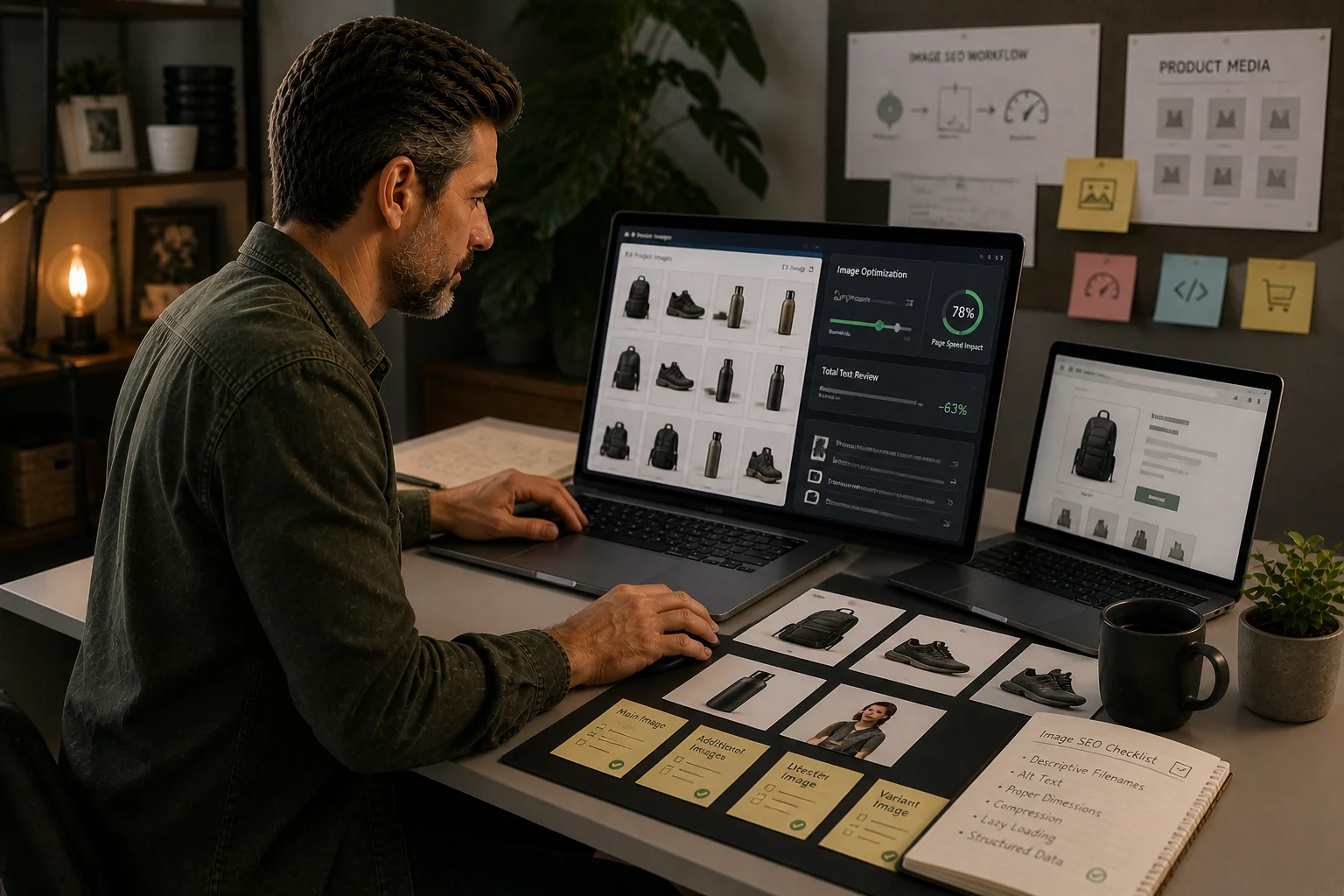
Image-heavy stores have a specific problem
Fashion, homeware and product-rich stores often struggle with media weight, inconsistent alt text, metadata gaps and image process rather than abstract SEO settings.
Where TinyIMG fits
TinyIMG is the first app candidate to test for compression, image SEO, speed and metadata support because it maps directly to this store type.
What to avoid
Avoid installing broad SEO apps that duplicate native settings without solving the image process.
Best Shopify SEO app for image-heavy stores: start with the problem
The best app is not the one with the longest feature list.
For image-heavy Shopify stores, the best app is the one that solves the repeated image-management problem without creating unnecessary bloat.
That is why this page does not start with a list of apps. It starts with the store condition.
If images are slowing the store down, missing alt text, uploaded inconsistently, or too numerous to manage manually, an image-focused app may be justified.
If the real issue is collection structure, product evidence, migration damage or weak internal linking, an image app is not the answer.
What makes an image-heavy store different
Image-heavy stores usually include:
- fashion
- interiors
- jewellery
- beauty
- furniture
- art
- lifestyle goods
- products with many variants
- products requiring multiple detail shots
These stores depend on images for trust and conversion. That makes image quality important. It also makes image work harder to manage.
The SEO risk is not just large files. It is inconsistent media discipline across the catalogue.
First check: do you actually need an app?
Before installing anything, answer these questions:
| Question | If yes | If no |
|---|---|---|
| Do you have hundreds of product images? | Tooling may help | Manual cleanup may be enough |
| Is alt text inconsistent at scale? | Process support may help | Fix native process first |
| Are image uploads uncontrolled? | Add process before app | Keep native |
| Are pages visually heavy on mobile? | Test performance impact | No urgent image app need |
| Are SEO apps already overlapping? | Audit bloat first | Safer to test |
A Shopify app should be a response to evidence, not anxiety.
Native Shopify first
Shopify already gives stores native control over product media, alt text, URLs, metadata, redirects and other SEO foundations.
That means the first layer should be:
- good image selection
- consistent product media standards
- descriptive alt text
- sensible theme output
- mobile checks
- avoiding duplicate or unnecessary media
If a team can manage those consistently, an app may be unnecessary.
When TinyIMG is the first candidate to test
TinyIMG is a strong first candidate when the specific problem is image management at scale.
It is most relevant when:
- the catalogue is large
- image cleanup is repetitive
- alt text and metadata need process support
- product images are a frequent source of performance work
- the team wants one image-focused process rather than several overlapping apps
That is different from saying every Shopify store should install it.
TinyIMG should earn its place through a controlled test.
What the app should not be expected to fix
No image SEO app can fix:
- poor collection architecture
- weak product descriptions
- duplicate product evidence
- bad redirect mapping
- unmanaged filters
- slow third-party scripts unrelated to images
- unclear internal linking
If those are the main problems, start elsewhere.
How to choose the app properly
Use this sequence:
- Audit image-heavy templates.
- Review Shopify native controls.
- Identify repeated manual work.
- Check current app stack for overlap.
- Select one app candidate.
- Test on a sample set.
- Measure before/after.
- Keep only if the operating improvement is real.
This is slower than installing an app immediately. It is also safer.
Controlled test plan
Test on:
- 5 priority collections
- 30-50 product pages
- 5 content pages
- one mobile-heavy path
- one page with variant-heavy imagery
Measure:
- visual quality
- image weight
- PageSpeed/Core Web Vitals notes
- alt text quality
- time saved
- app overlap
- reversibility
App bloat warning
Image-heavy stores are often already app-heavy.
Before keeping any image SEO app, ask:
- does it duplicate another tool?
- does it add scripts?
- does it change output unexpectedly?
- can the team reverse changes?
- who owns monthly checks?
- does it improve the pages that matter commercially?
If nobody owns the image process, the app becomes another layer of technical debt.
Recommendation
For image-heavy Shopify stores, TinyIMG is the first app I would test when image volume and repeatable image work are real problems.
But the recommendation is conditional.
Start with native Shopify controls. Audit the catalogue. Prove that image management is the bottleneck. Then test TinyIMG on a controlled sample before rolling it across the store.
The best app is the one that solves a real operational problem and does not distract from bigger Shopify SEO work.
Evidence status
Desk-researched app shortlist
Checked 2026-05-02. This block separates public review from hands-on testing so commercial recommendations do not outrun the evidence.
What was checked
- Image-heavy Shopify store use cases.
- Native Shopify image controls and app-governance risks.
- TinyIMG public positioning as the primary image SEO app candidate.
Not yet checked
- Hands-on app install and uninstall.
- PageSpeed, script and template impact.
- Workflow performance with a live product upload process.
Who it suits
- Fashion, homeware, beauty and catalogue-heavy stores with recurring media QA.
- Operators deciding whether image work justifies an app.
Who should avoid it
- The store only needs a one-off image clean-up.
- Native image preparation and alt text ownership would solve the problem.
Document the product-image upload process, compress before upload, use Shopify alt text fields and audit image-heavy templates.
TinyIMG is the first app candidate to test for image-heavy stores, not a blanket recommendation.
Quick answer
Tools should be chosen only after the job is clear. A good tool reveals a decision, removes repeat work or reduces migration and SEO risk.
What you will do
- Avoid app bloat.
- Match Shopify-native controls, image handling tools, research tools and WordPress bridge tools to the right job.
- Create a testing standard before recommending or installing tools.
What to check first
- Shopify native controls before apps.
- Research tools for audit and competitor processes.
- TinyIMG for image-heavy Shopify stores.
- Rank Math and Elementor only for WordPress-side migration context.
- App Bloat Scorecard for tool governance.
Work through it in this order
- Name the problem the tool must solve.
- Check whether Shopify or the current theme already handles it.
- Estimate how often the work repeats and who owns it.
- Test the output on one page type before changing the whole store.
- Record scripts, theme changes, data access, cost and removal risk.
- Keep the tool only if the result is measurable and maintainable.
Real-world notes
- SEO apps often overlap with native Shopify features. The overlap is where maintenance confusion starts.
- A tool that adds JavaScript to every page should earn its place.
- The best commercial recommendation is the one that solves the reader’s constraint, not the one with the loudest affiliate programme.
Final checks
- Problem named.
- Native alternative checked.
- Test page chosen.
- Output verified.
- Performance impact reviewed.
- Owner assigned.
- Removal risk understood.
Watch-outs
- If the store has a custom theme, test app output on staging before installing on live.
- If image handling is the real bottleneck, use an image tool rather than a broad SEO plugin.
- If keyword data is needed, use SEO software; do not expect a Shopify app to replace research.
Use the App Bloat Scorecard before installing or recommending another app.
Field questions
What is the best Shopify SEO app for image-heavy stores?
The best option depends on the actual bottleneck. Image-heavy stores usually need better compression, filenames, alt text process, media QA and product-image consistency before adding a broad SEO app.
Should an image-heavy Shopify store install an SEO app first?
Not automatically. Check native Shopify controls, theme performance, image sizes and product media quality before adding another app to the stack.
When does an image SEO app make sense?
It makes sense when image work is repetitive, the catalogue is large, alt text or compression is inconsistent, and the app reduces real operating effort without adding too much performance risk.
What should be checked before installing a Shopify SEO app?
Check current image sizes, lazy loading, LCP images, alt text quality, theme scripts, duplicate app features and whether the app changes a decision or just adds another dashboard.